


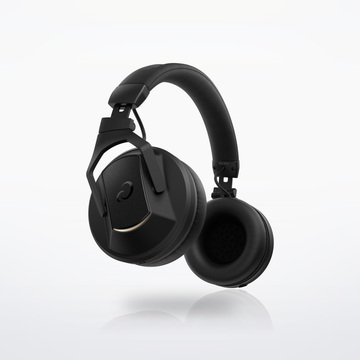
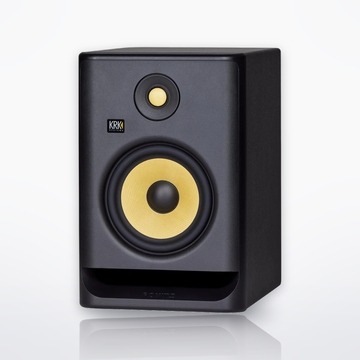


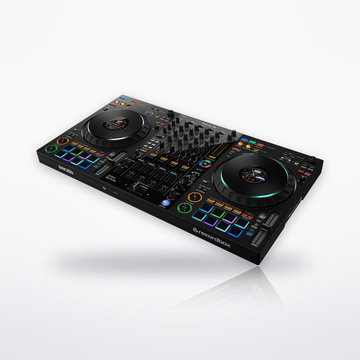
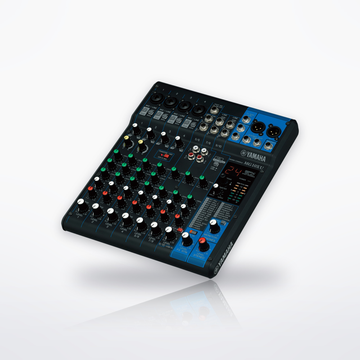

The gear


Sound flow
Tap a piece to swap it in the builder.


Set total
$467.003 pieces, at today's prices.With the DDJ-FLX2: $467.00.With the DDJ-FLX4: $607.00.Shop all DJ equipment
Cables you need
- No cable to buy: the cable in the DM-40D box connects the FLX2 or the FLX4.
How it connects, step by step
- Install rekordbox (free) on your laptop, phone or tablet, or Serato DJ Lite (free) on a laptop.
- Plug the FLX2 into the device with the USB-C cable in the box. On a laptop it runs on USB bus power; on a USB-C phone it runs from the phone. Over Bluetooth it needs a USB power adapter, and the sound plays from the phone, not the FLX2.
- Plug the FLX4 into the device with the USB-C cable in the box. On a laptop it runs on USB bus power. On a phone or tablet it also needs a USB power adapter.
- Link the two DM-40D speakers with the speaker cord in their box: strip about 1 cm (3/8 in) from each end and put the red-striped wire on the red (+) terminals.
- Use the cable in the DM-40D box: 3.5 mm plug into the FLX2's master output, RCA plugs into the left speaker's RCA inputs.
- Use the cable in the DM-40D box: RCA plugs into the FLX4's RCA master output, 3.5 mm plug into the left speaker's 3.5 mm input.
- Set SOUND MODE on the back of the left speaker to DJ. Plug in its power cord last, then switch it on.
- Plug the NTH-50 into the controller's headphone jack and press the headphone CUE button on the channel you want to hear to cue the next track.
- Start with the LEVEL knob on the left speaker low, set the controller's master level, then turn LEVEL up.
- Put the speakers at ear height, turned in toward you.
- Share it: record your set with a rekordbox Core plan or Serato DJ Pro, both paid, and post the file on sites like Mixcloud or YouTube. The free rekordbox and Serato DJ Lite do not record.
Every step is from the makers' own manuals and product pages, checked October 2026.
Beginner DJ setupSet total From $467.00