


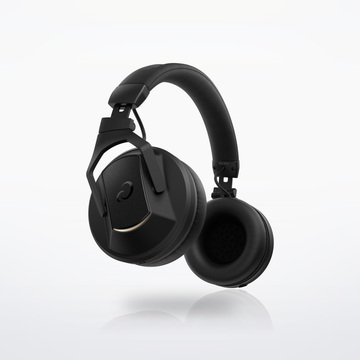
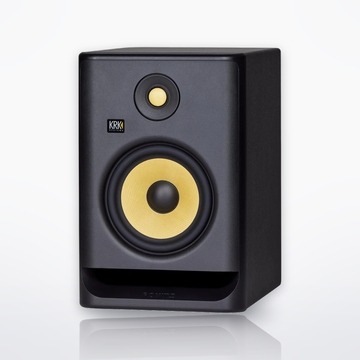

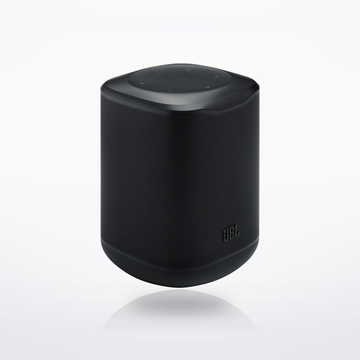
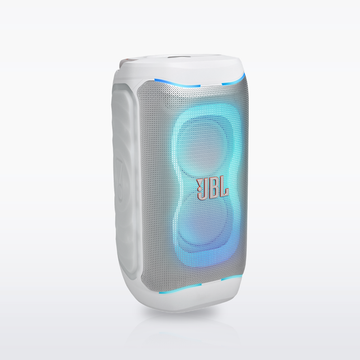

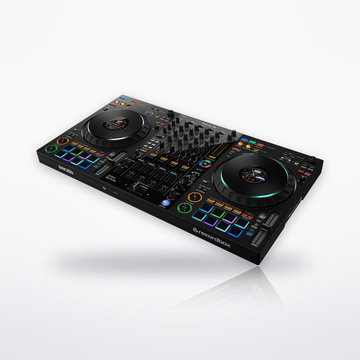
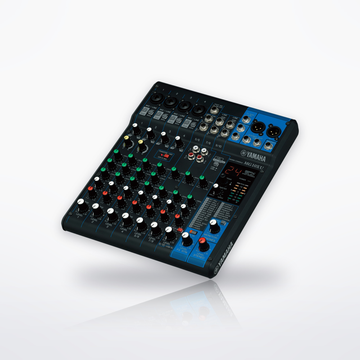
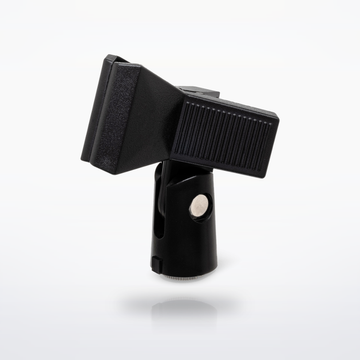

The gear


Sound flow
Tap a piece to swap it in the builder.


Set total
$2,166.903 pieces and 2 cables, at today's prices.With the DDJ-GRV6: $2,166.90.With the DDJ-REV5: $2,480.90.Shop all DJ equipment
Cables you need
 2 × CSS-100 Balanced Interconnect10 ft · DDJ-GRV6: Master 1, left and right, into the Wave-Eight's two combo inputs
$29.90$14.95 each
2 × CSS-100 Balanced Interconnect10 ft · DDJ-GRV6: Master 1, left and right, into the Wave-Eight's two combo inputs
$29.90$14.95 each
 2 × CMI-100 Quad Microphone Cable10 ft · DDJ-REV5: XLR Master 1, left and right, into the Wave-Eight's two combo inputs
$53.90$26.95 each
2 × CMI-100 Quad Microphone Cable10 ft · DDJ-REV5: XLR Master 1, left and right, into the Wave-Eight's two combo inputs
$53.90$26.95 each
- Not needed when you use the SonicLink transmitter that comes with the Wave-Eight.


Cables totalFrom $29.90
How it connects, step by step
- Plug the GRV6 into the laptop over USB-C and open rekordbox or Serato DJ Pro. Both unlock free with it. It runs on bus power from a USB-C port; from a USB-A port it also needs a 9 V, 3 A USB power adapter (not included).
- Plug the REV5 into the laptop over USB-C and open rekordbox or Serato DJ Pro. Both unlock free with it. It uses its own AC adapter. On Windows, install AlphaTheta's DDJ-REV5 audio driver first.
- Two 1/4-inch TRS cables from Master 1 (left and right) into the Wave-Eight's two XLR/TRS combo inputs.
- Two XLR cables from Master 1 (left and right) into the Wave-Eight's two XLR/TRS combo inputs.
- Or go wireless: connect the SonicLink transmitter that ships with the Wave-Eight to the controller's RCA master output with the RCA cable in its box, then pair it. SonicLink is built for DJing, so there is no Bluetooth-style delay.
- Headphones into the 1/4-inch jack. There is also a 3.5 mm jack.
- Plug a mic into the 1/4-inch mic input and set its level before the crowd arrives.
- Plug a mic into the mic input, XLR or 1/4-inch, and set its level before the crowd arrives.
- Share it: Serato DJ Pro, free with this controller, records your set: open the REC panel, set the source to Mix and press record; when you finish, name the file and click Save. It records your own music files, not tracks from a streaming service.
Every step is from the makers' own manuals and product pages, checked October 2026.
Intermediate DJ setupSet total From $2,166.90