


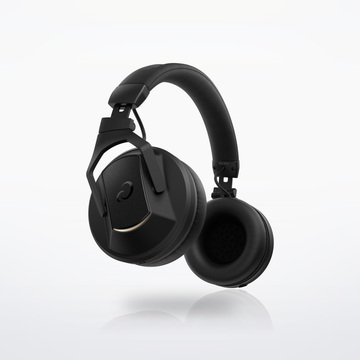


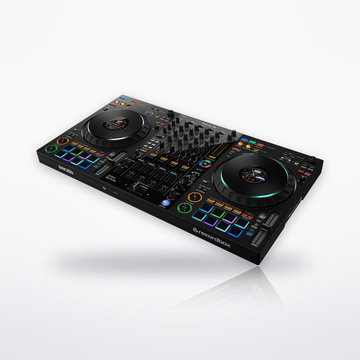
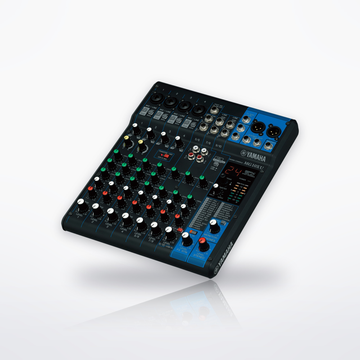
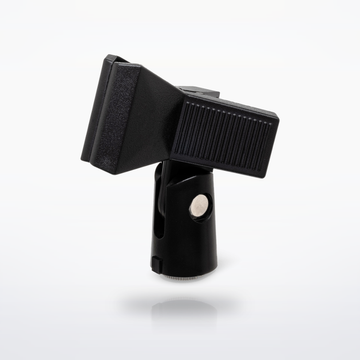

The gear


Sound flow


Cables you need
 4 × CMI-100 Quad Microphone Cable10 ft · One XLR cable per PodMic into the Pro II
$107.80$26.95 each
4 × CMI-100 Quad Microphone Cable10 ft · One XLR cable per PodMic into the Pro II
$107.80$26.95 each

Cables total$107.80
How it connects, step by step
- Clamp a PSA1+ arm to the table for each host (up to 70 mm, about 2.75 in, thick) and mount a PodMic on each.
- An XLR cable from each PodMic into combo inputs 1 to 4; they come up on faders 1 to 4. Press the button above each fader and pick the mic type, which sets the level and voicing. The PodMic needs no phantom power.
- NTH-100 into each of the four 1/4-inch headphone outputs on the back (adapter in the box). Each has its own level knob on the front. The host takes output 1, where the Listen button plays a channel on its own.
- Plug the power supply into the USB-C input next to the red button. To stream or record on a computer, use the USB-C cable in the box; or record straight to a microSD card or USB drive (not included).
- Record multitrack, so each voice lands on its own track for editing.
- Each host speaks 2 to 6 inches from the grille and slightly across the mic, not straight into it.
- Share it: for recordings on the microSD card, open the free RØDECaster App (Mac or Windows), click Transfer Recordings, choose your podcast platform's export preset and click Export.
Every step is from the makers' own manuals and product pages, checked October 2026.
Podcast setup for fourSet total $2,394.80