


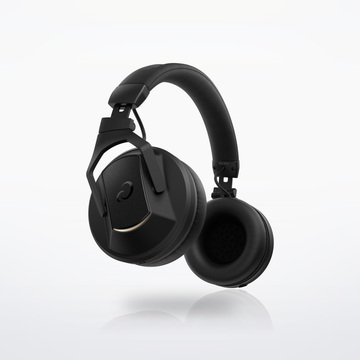
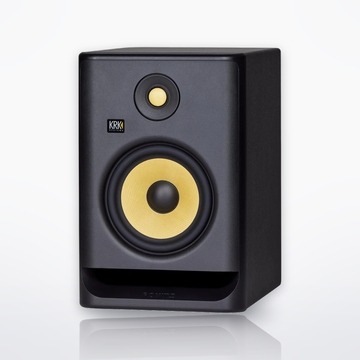

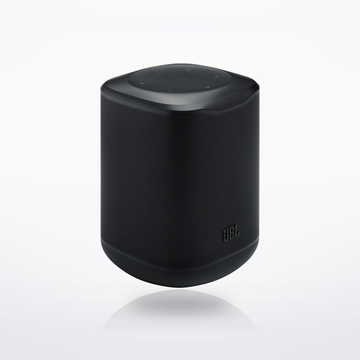
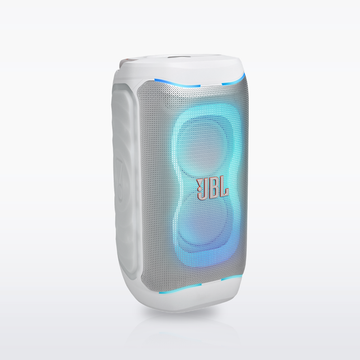

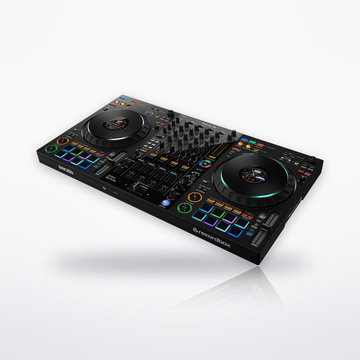
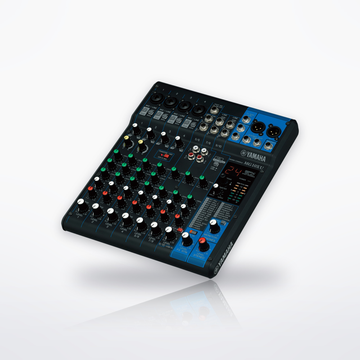
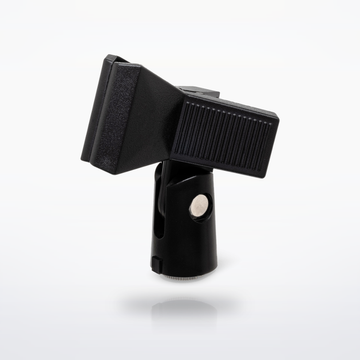

The gear


Sound flow


Cables you need
- No cable to buy: the songs stream over Bluetooth and both mics are wireless.
How it connects, step by step
- Update the speaker's software in the JBL One app first. JBL added EasySing Mic Mini support to the On-the-Go 2 Plus in May 2026 (version 26.17.12).
- Turn on the speaker, then its mic. The mic comes paired from the factory and connects by itself.
- Take the EasySing Mic Mini and its dongle out of the charging case; both turn on. Plug the dongle into the speaker's USB-C port. Its light stops flashing once it connects to the mic.
- Press the speaker's Bluetooth button and choose JBL PartyBox OTG2 Plus on your phone. Play a song, with the lyrics on your phone.
- Press VOCAL REMOVAL on the speaker, then turn it, or press the button on the speaker's mic, to choose how much of the original vocal stays.
- Turn MIC VOL and MIC ECHO for the speaker's mic, and the volume knob for the music.
Every step is from the makers' own manuals and product pages, checked October 2026.
Portable karaoke setupSet total $599.90