


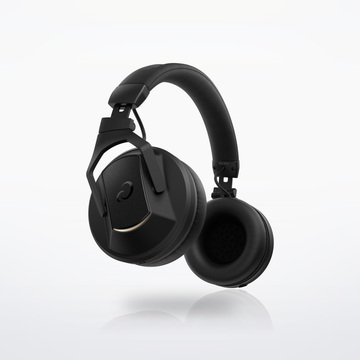
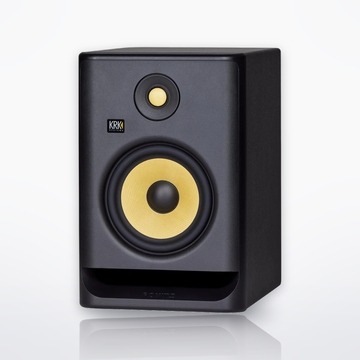

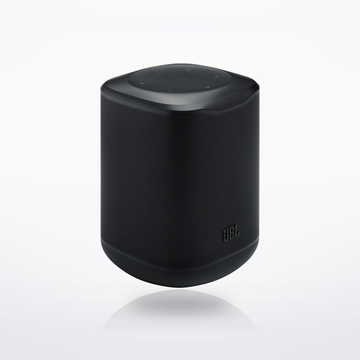
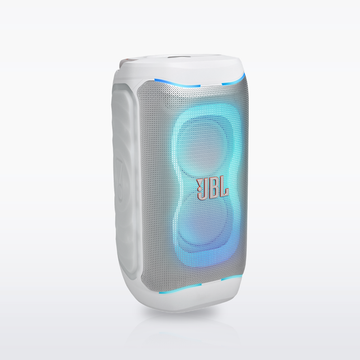

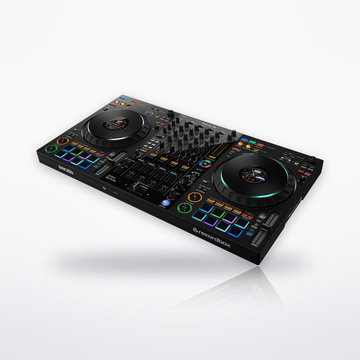
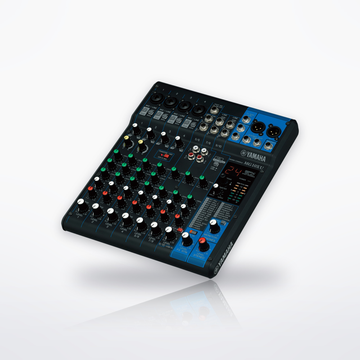
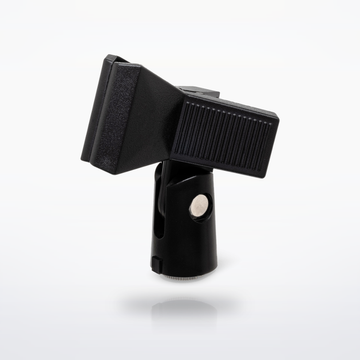

The gear
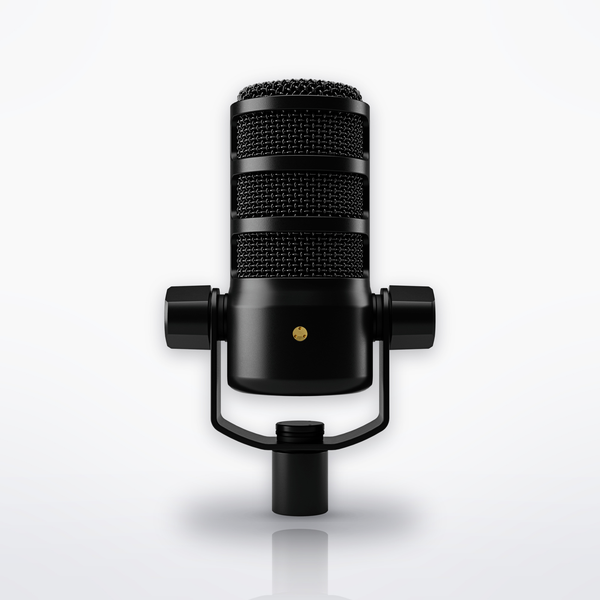


Sound flow


Cables you need
- No cable to buy: the USB-C cable is in the mic's box, and the NTH-100 plugs straight into the mic.
How it connects, step by step
- Clamp the PSA1+ to the desk (up to 70 mm, about 2.75 in, thick) and mount the PodMic USB.
- Connect the mic to the computer with the SC29 USB-C cable in the box. A computer with only USB-A ports needs a USB-A to USB-C cable instead.
- NTH-100 into the 3.5 mm output on the back of the mic. Turn the volume control to set the level; pressing it turns zero-latency monitoring on or off (the rear light is green when it is on).
- Slide the pop filter from the box over the mic, and speak about 5 to 10 cm (2 to 4 in) from it.
- Set the mic's APHEX processing in RØDE Central. The settings stay on the mic's USB output after you close the app, so any recording software uses them.
Every step is from the makers' own manuals and product pages, checked October 2026.
Voice-over setupSet total $507.00