



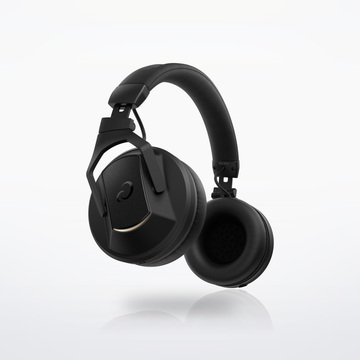
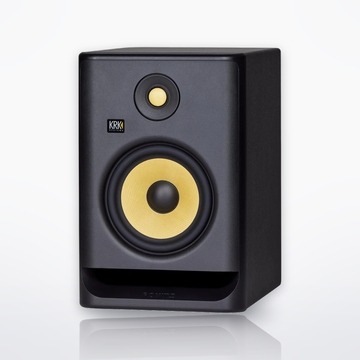

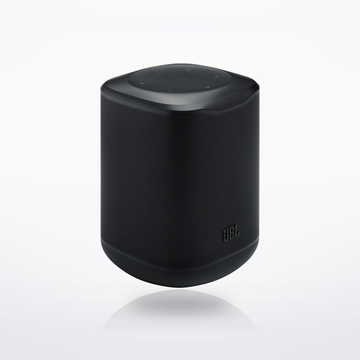
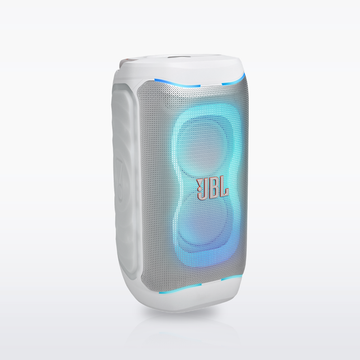

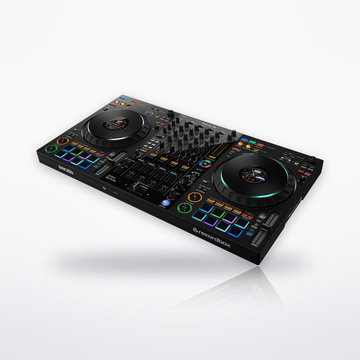
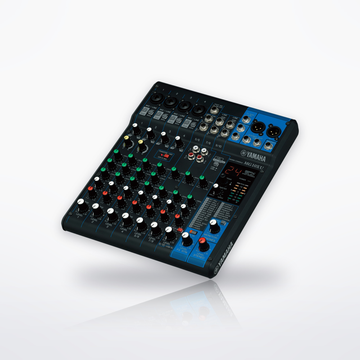
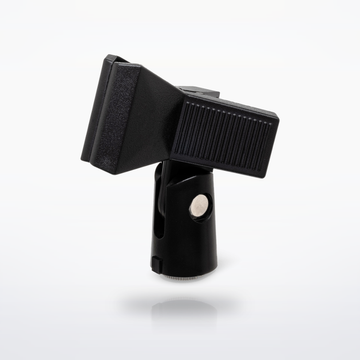

The gear
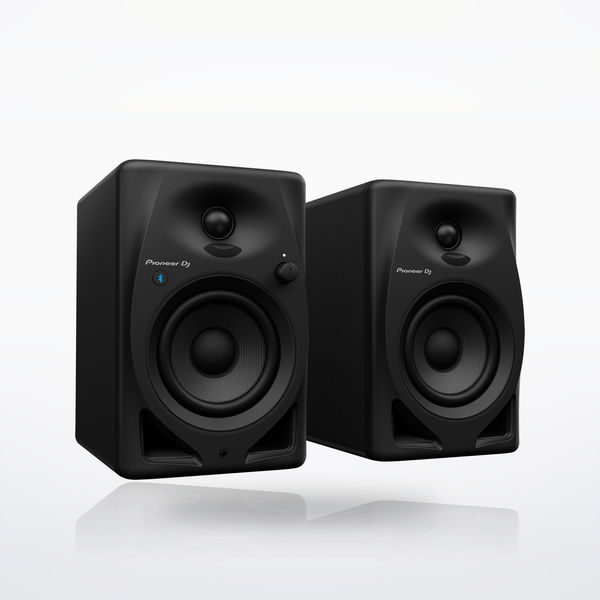

Sound flow


Set total
$239.001 piece, at today's prices.With the DM-40D-BT: $239.00.With the DM-50D-BT: $269.00.Shop studio monitors
Cables you need
- No cable to buy: the 3.5 mm to RCA cable and the speaker cord are in the box.
How it connects, step by step
- Put a speaker on each side of the screen at ear height, turned in toward you.
- Link the two with the speaker cord in the box, the red-striped wire on the red (+) terminals.
- Wired: the cable in the box runs from the computer's 3.5 mm headphone jack into the left speaker's RCA inputs.
- Bluetooth: press the pairing button on the front, then pick the speakers in the computer's Bluetooth settings. The same button plays and pauses.
- The DM-50D-BT's Bluetooth also supports aptX and aptX Low Latency, if your computer does.
- Wired and Bluetooth play at the same time, mixed together.
- SOUND MODE on the back: Production for a flat, accurate sound, or DJ for a punchier one.
- LEVEL on the front sets the volume. Headphones in the front jack mute the speakers.
- After about 20 minutes with no sound they switch to standby and Bluetooth disconnects; play something or press the pairing button to wake them.
Every step is from the makers' own manuals and product pages, checked October 2026.
Computer speaker setupSet total From $239.00