





The gear
 × 2Yamaha
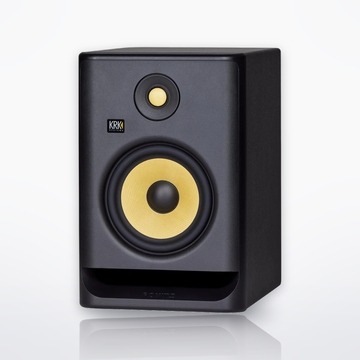
HS8Powered Studio MonitorSingle speaker$398.99 eachComing soon
× 2Yamaha
HS8Powered Studio MonitorSingle speaker$398.99 eachComing soon Yamaha
HS8SPowered Studio Subwoofer$499.99Coming soon
Yamaha
HS8SPowered Studio Subwoofer$499.99Coming soon Yamaha
UR22MK3USB-C Audio Interface$169.99Coming soon
Yamaha
UR22MK3USB-C Audio Interface$169.99Coming soon Yamaha
YCM705Large-Diaphragm Condenser Microphone$349.99Coming soon
Yamaha
YCM705Large-Diaphragm Condenser Microphone$349.99Coming soon RØDE
M5-MPMatched Pair Small-Diaphragm Condenser Microphones$209.00Coming soon
RØDE
M5-MPMatched Pair Small-Diaphragm Condenser Microphones$209.00Coming soon Yamaha
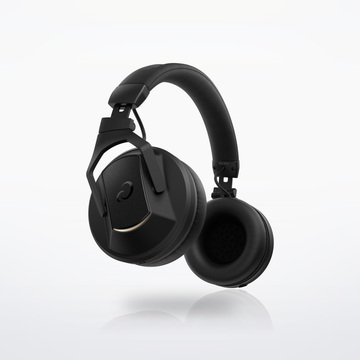
HPH-MT8Studio Monitor Headphones$199.99Coming soon
Yamaha
HPH-MT8Studio Monitor Headphones$199.99Coming soonAccessories (optional)
 Hosa
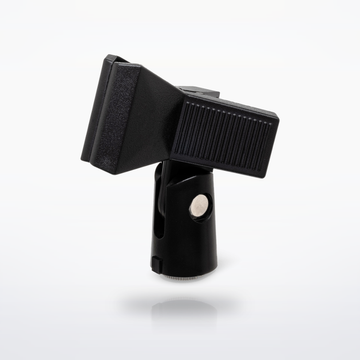
MSB-521BK Microphone Stand with BoomMicrophone Stand$76.95Coming soon
Hosa
MSB-521BK Microphone Stand with BoomMicrophone Stand$76.95Coming soonFloor stand with a boom for the YCM705 or an M5; one per mic
 RØDE
PSA1+Professional Studio Arm$139.00Coming soon
RØDE
PSA1+Professional Studio Arm$139.00Coming soonDesk arm for the YCM705 in its shock mount
Sound flow
Tap a piece to swap it in the builder.




Cables you need
 2 × CSS-100 Balanced Interconnect10 ft · UR22MK3 outputs into the HS8S TRS inputs
$29.90$14.95 each
2 × CSS-100 Balanced Interconnect10 ft · UR22MK3 outputs into the HS8S TRS inputs
$29.90$14.95 each
 2 × CMI-100 Quad Microphone Cable10 ft · HS8S left and right outputs to each HS8
$53.90$26.95 each
2 × CMI-100 Quad Microphone Cable10 ft · HS8S left and right outputs to each HS8
$53.90$26.95 each
- 2 × CMI-100 Quad Microphone Cable10 ft · Mics into the UR22MK3: one for the YCM705, both for the M5 pair
$53.90$26.95 each


Cables total$137.70
How it connects, step by step
- Install the Yamaha Steinberg USB Driver from Yamaha's site first, then connect the UR22MK3 with the included USB-C to USB-A cable. Record a vocal on input 1 and a guitar in the guitar jack, or the M5 matched pair on both combo inputs, at once.
- Two cables (TRS or XLR) from the interface's outputs into the HS8S subwoofer's inputs.
- XLR from the HS8S left and right outputs to each HS8. Turn the sub's LOW CUT switch on and start with its LOW CUT and HIGH CUT controls at 12 o'clock (the 80–120 Hz range), then adjust by ear, and set High Trim and Room Control on each HS8 for the room.
- YCM705 on XLR with 48 V on. Use the -10 dB pad for loud sources. Swap in the M5 pair on both inputs for acoustic instruments or a choir.
- HPH-MT8 into the headphone jack with its 1/4-inch adapter. It comes with a 3.9 ft coiled and a 9.8 ft straight cable.
- Start the sub's LEVEL between 10 and 12 o'clock, then adjust for the most natural response.
- Share it: in Cubase AI, which comes with the interface, File > Export > Audio Mixdown saves your song as a WAV or MP3 file to send or post.
Every step is from the makers' own manuals and product pages, checked October 2026.
Advanced music production setupSet total $2,364.64